

NotebookLM: An Exciting Update!

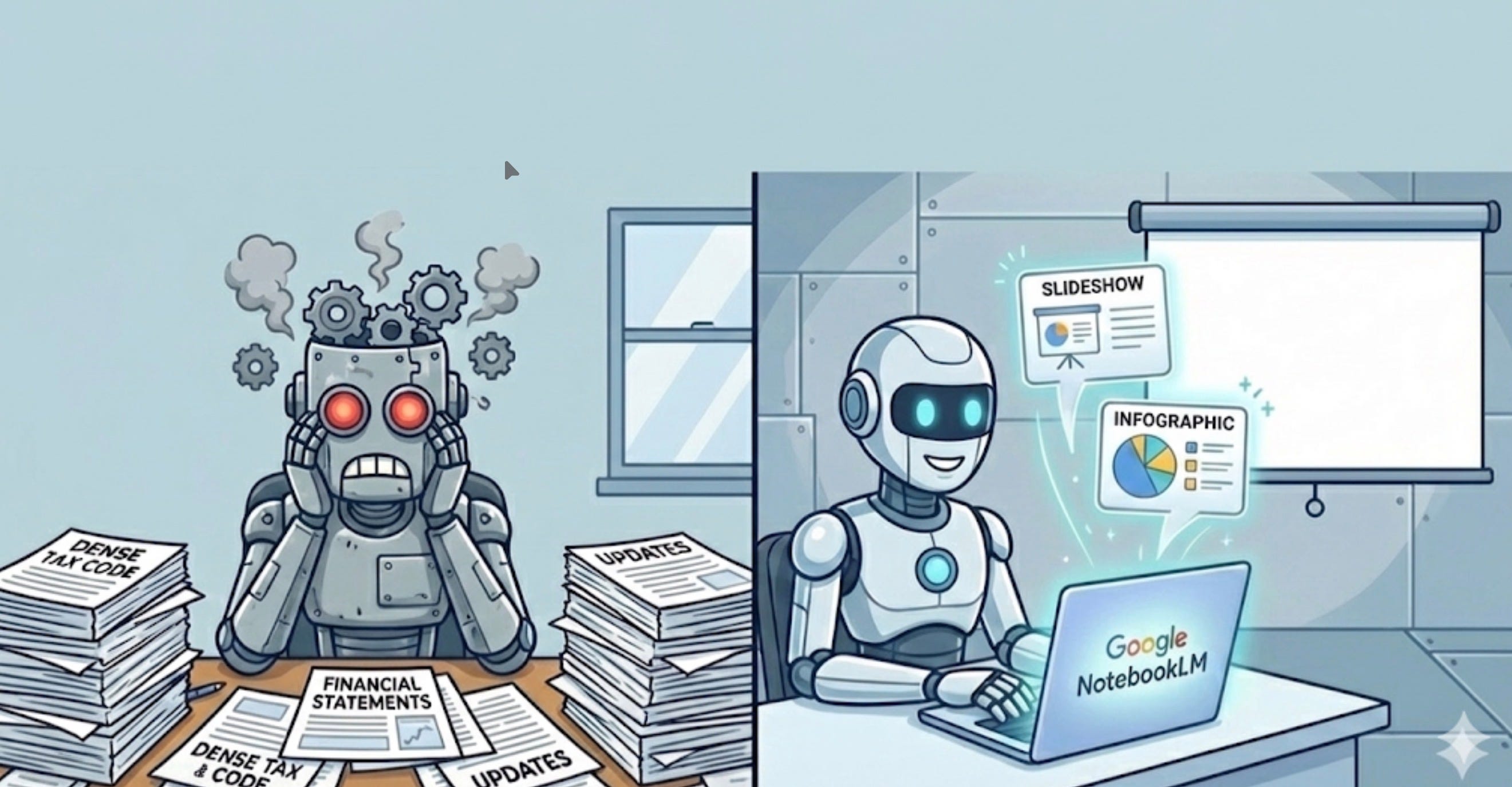
Every tax professional knows the drill: translating dense tax code, financial statements, and updates into client-friendly presentations can be an arduous task. Those of us who teach will often spend hours on slide decks. But what if an AI tool could do the heavy lifting for you, turning your research and data into polished slides and infographics in minutes? Enter Google’s latest NotebookLM update. Google has rolled out new features in NotebookLM that automatically generate slide decks and infographics from your source materials . This update transforms NotebookLM from a simple “AI note-taking wizard” into a comprehensive content creation platform . In this article, we’ll explore how these new capabilities can help you create better visuals for staff, clients, or students.
Meet NotebookLM’s New Presentation Tools
Google’s latest update introduced two new features in NotebookLM, both powered by its cutting-edge Gemini AI technology and the Nano Banana Pro image model . The first is Slide Decks, which lets you transform your source documents into a complete set of presentation slides with a single click . The second is Infographics, which automatically converts complex data from your materials into a high-impact visual summary. Put simply, NotebookLM now shortens the entire content creation process, from research to design, into one workflow . You can upload a variety of sources: PDFs, Word docs, spreadsheets, even YouTube videos, and get back a polished visual presentation. The AI taps into Nano Banana Pro’s image generation prowess to create illustrations, charts, and graphics to make your content more understandable . It’s as if you suddenly have a combined research assistant and graphic designer on call, right inside Google’s NotebookLM.
Critically for tax professionals, NotebookLM’s AI is designed to stick closely to your source material. This is one of NotebookLM’s biggest strengths, especially given how prone AI can be to hallucinations. In other words, the facts and figures in your presentation will remain accurate and grounded in your documents, a non-negotiable for anyone in the tax profession. And if you need to tweak the output, NotebookLM offers deep customization: you can specify the number of slides, the presentation style (e.g. formal, minimalist, casual), key sections to include, or even the target audience, all through simple prompts . This means you’re not stuck with a one-size-fits-all result; you can iterate and refine the AI-generated deck to suit your audience and branding.
Streamlining Client Communications
For many tax practitioners, preparing a client report or an internal briefing involves two big steps: analyzing the information and then presenting it. NotebookLM’s new Slide Deck feature is poised to streamline that second step in a big way. Instead of spending hours in PowerPoint, you can let the AI automatically draft a slideshow based on your notes and documents. (Do not put PII into AI). Google describes that you can simply upload your sources (even rough notes or an outline) and NotebookLM will “build a full slide deck instantly” . This is a lifesaver for last-minute presentations: imagine you’ve just finished a complex tax planning analysis for a client, rather than scrambling to create slides from scratch, you feed your analysis document into NotebookLM and get a ready-made deck highlighting the key points and visuals.
What does this look like in practice? Let’s say you have a 20-page tax research memo on new legislation. NotebookLM’s Slide Deck generator can convert deep research into custom slides, uncovering connections and even suggesting visual metaphors you might have missed . For example, if the memo discusses changes in tax brackets, the AI might create a slide with a simple bar chart or an intuitive metaphor (like a ladder image for rising brackets) to illustrate the shift, making it easier for clients to grasp the impact. Many taxpayers do not understand that the tax system is progressive. The number of times I have had a client who was concerned if they made $1 more they would be in a higher tax bracket for all of their income indicates that this is still a common misunderstanding of the tax system.
Because NotebookLM leverages Google’s Gemini AI, it also has a wealth of world knowledge to draw upon. That helps in generating slides that aren’t just text-heavy summaries but engaging visual stories. The AI can produce relevant imagery or icons to complement your content. Thanks to the Nano Banana Pro model, the quality of these images is top-notch – Google touts that the visuals are “immersive and information-dense,” helping make complex content vivid and understandable at a glance .
Simplifying Numbers with Infographics
It’s often said that tax is a numbers game. Clients may glaze over when you hand them a spreadsheet full of figures or a table of deductions. This is where NotebookLM’s Infographic feature shines. The AI can visualize key insights from your data as high-quality infographics, effectively distilling complex numbers and relationships into a single, compelling image . For a tax professional, think of how useful this can be: you could turn a detailed Excel sheet of a client’s income vs. expenses into a one-page infographic showing their cash flow pie chart, tax breakdown, and savings opportunities – a visual “at a glance” summary of their financial year.
NotebookLM’s approach to infographics isn’t just about making charts; it’s also about storytelling. By using Gemini’s broad knowledge, the AI might apply familiar formats or analogies to complex concepts . For instance, if you’re presenting the impact of different retirement plan options, the AI could generate an infographic comparing them side by side with icons (like a piggy bank for a 401(k) or an IRA) along with key stats. Google’s official update notes that this allows you to “distill complex information and relationships into a single, high-impact visual that makes your data easier to digest”.
Another huge plus: these infographics are professional-looking. Users have reported that the design of NotebookLM’s output feels polished and well-structured, often akin to something a graphic designer might create . You’re not getting random clipart or garish colors; the AI considers aesthetics. And if you do have preferences (maybe your firm uses a certain color scheme or style), you can guide the outcome through your prompt. Want a more minimalist infographic with the company logo colors? Just ask. NotebookLM even supports an evolving range of formats. This can be extremely helpful for social media posts.
Polishing and Personalizing Your Presentations
Beyond generating initial content, NotebookLM’s new capabilities also help with presentation-enhancing tasks. If you already have a draft slide deck, you can upload it to NotebookLM and ask the AI to refine it with your brand styling. According to Google, the system will apply your style guidelines, add your brand colors, and even incorporate relevant images from your project’s sources to make sure the final product meets your standards.
Customization isn’t limited to colors and logos. NotebookLM lets you define any visual style you want for your slides . Do you prefer a clean corporate look? Or maybe a fun chalkboard style for an educational seminar with clients? Just describe it in your prompt. I look forward to seeing this evolve to where I can upload the template for an organization and have it use my content without me spending a significant amount of time doing this.
Real-World Scenarios for Tax Pros
How might these features play out in your day-to-day work? Here are a few scenarios where NotebookLM’s new tools can make a difference:
Client Tax Planning Meetings: Imagine you’re preparing a year-end tax planning session for a client. You have a bunch of notes on their income, potential deductions, changes in law, and a spreadsheet of projected savings. Instead of walking the client through a dry report, you ask NotebookLM to generate a slide deck from those notes and data. The result: a concise set of slides with charts highlighting the client’s current vs. projected tax liability, bullet points of key recommendations, and even an illustrative graphic explaining how a new tax credit works. You walk into the meeting with a visual story rather than just numbers, making it far easier for the client to understand and engage. The entire process took maybe 15 minutes of AI processing and a quick review, versus hours of manual PowerPoint drudgery. Now again, don’t put PII into AI.
Explaining Complex Tax Law Changes: Tax law is notorious for jargon and complexity. Let’s say a new tax regulation is passed and you need to brief your team (or your clients) on what it means. You could feed the official guidance or a lengthy article about the law into NotebookLM and prompt it to create an infographic summarizing the key changes. Within moments, you have a one-page infographic that highlights the main points, perhaps showing a timeline of when provisions take effect, or a comparison chart of old vs. new rules. Such a visual can be invaluable in internal training or as a handout to clients, cutting through legalese to present the facts in a digestible format. Always, always, always, adopt a trust but verify approach.
Marketing and Client Education: Many accounting and tax firms publish newsletters or blog posts to keep clients informed. With NotebookLM’s slide and infographic tools, you could quickly generate visual content for these channels. For example, a “Top 5 Tax Tips for 2026” infographic generated by the AI (sourcing from your internal knowledge base of tips) could be shared on social media or in an email newsletter. It’s engaging content with minimal design effort. This is always the struggle for some of us, we know the content, but we need to create social media content to share with clients.
Tips for Using NotebookLM’s New Features
While NotebookLM’s slideshow and infographic generator can feel like magic, here are some tips to get the best results out of it:
Provide Quality Source Material: The AI can only be as accurate and insightful as the documents you give it. Feed NotebookLM your well-prepared tax memos, datasets, and outlines. The better your input, the more spot-on the slides/infographics will be. Remember, it adheres to your sources , so make sure those sources are reliable and comprehensive. The old adage of garbage in / garbage out very much applies to AI.
Use Clear Prompts: You can ask NotebookLM not just to “create slides,” but also add instructions like “focus on comparing 2025 vs 2026 figures” or “use a timeline format”. Clear directions help the AI understand what you want. You can even specify design elements (e.g., “apply our company’s blue and gray color scheme” or “make it minimalist with more graphics than text”).
Review and Refine: Think of the AI’s output as a first draft. Always review the slides or infographic for accuracy, especially the numbers. In our experience, the content is usually on-target (since it’s pulled from your sources) and well-organized , but you may want to tweak phrasing or add an extra detail. The good news is you’ve saved yourself hours of layout work, so you can spend that time fine-tuning the message.
Leverage Customization: Don’t hesitate to use NotebookLM’s customization options. If the first attempt is too verbose or too sparse, adjust the length. (Currently, NotebookLM offers two length/format options – perhaps a short summary deck vs. a longer detailed one .) You can also generate multiple variations: for example, ask for a “5-slide summary” and a “15-slide detailed deck” and see which you prefer.
Always Consider Privacy and Compliance: This is more of a general note that since I write and teach on the topic of cybersecurity I have to mention: When using any AI tool, ensure you’re compliant with confidentiality requirements. Google has rolled out NotebookLM’s advanced features to its Workspace users (Business and Enterprise tiers) as of late 2025 , which likely includes robust privacy protections. Still, avoid uploading PII and understand that if you do that §7216 disclosures could apply.
It Keeps Getting Better

The ability to generate slide decks and infographics at the push of a button signals a turning point in how professionals might work with AI. Google’s NotebookLM update underscores that AI is no longer just about answering questions or drafting emails, it’s now helping us communicate knowledge in rich, visual formats . For tax professionals, this means more time focusing on strategy, interpretation, and client advice, and less time wrestling with content and graphic creation. The tone of your client meetings can shift from “let me walk you through these numbers” to “let me show you what these numbers mean”, with engaging visuals to back you up. It is all about being able to communicate with a client on a level that they understand.
Looking forward, this is likely just the beginning. As AI models improve and further integrate with our everyday tools, we can expect even more sophisticated presentation capabilities, think interactive charts, real-time data updates in slides, or voice-integrated explainers. But even in its current form, NotebookLM’s slideshow and infographic features are a powerful step towards modernizing professional services. Embracing these tools can set you apart as a tech-forward advisor. After all, conveying complex tax information with clarity and impact is half the battle in tax consulting, and now you have an AI partner to help you win it.